How to Optimize WordPress for Speed, Security, and Scalability (LeadCroc Guide)
15 minutes
If you’ve ever asked “How do I optimize my WordPress site?”-this guide is the answer. Not theory, not fluff: practical steps that make your wordpress site measurably faster, harder to hack, and ready for the traffic demands of 2026 and beyond.
This section gives you a same-day checklist to optimize your wordpress performance before we dive into the deeper work. You can complete every step here in under an hour and see real improvements by tonight.
1. Establish a baseline. Run your homepage and one key landing page through google pagespeed insights or GTmetrix. Record your scores, Largest Contentful Paint (LCP), and total page weight. You can’t manage what you don’t measure.
2. Enable caching and compression. Install one proven caching plugin-WP Super Cache, W3 Total Cache, or LiteSpeed Cache-or rely on your host’s built-in solution. Turn on page caching, enable browser caching, and activate gzip compression. These three moves alone reduce page load time significantly on most wordpress websites.
3. Compress images and enable lazy loading. Install a dedicated image optimization plugin (like ShortPixel or the ewww image optimizer) and enable automatic compression for new uploads. Set quality to around 70–80% for lossy compression. Turn on lazy loading so images load as users scroll rather than all at once.
4. Remove at least one unused plugin and one unnecessary add-on. Eliminating unnecessary plugins improves performance immediately. Over 50% of mobile users abandon sites that take more than three seconds to load, and a one-second delay in load time can reduce conversions by 7%. Every plugin you remove brings you closer to those thresholds.
LeadCroc typically implements this quick-win set on day one of an optimization project before moving to deeper database and code tuning. If you want faster results, keep reading.
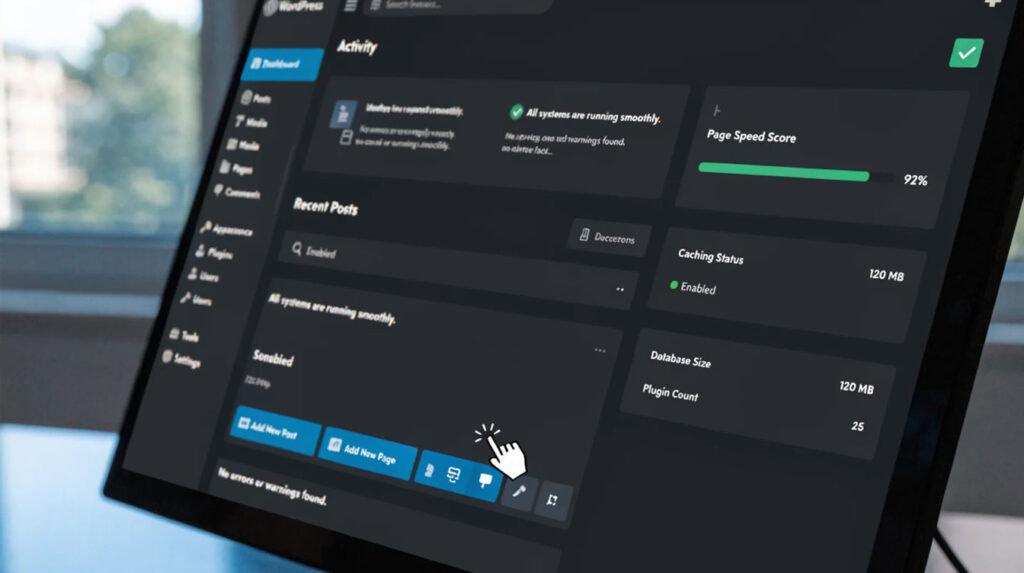
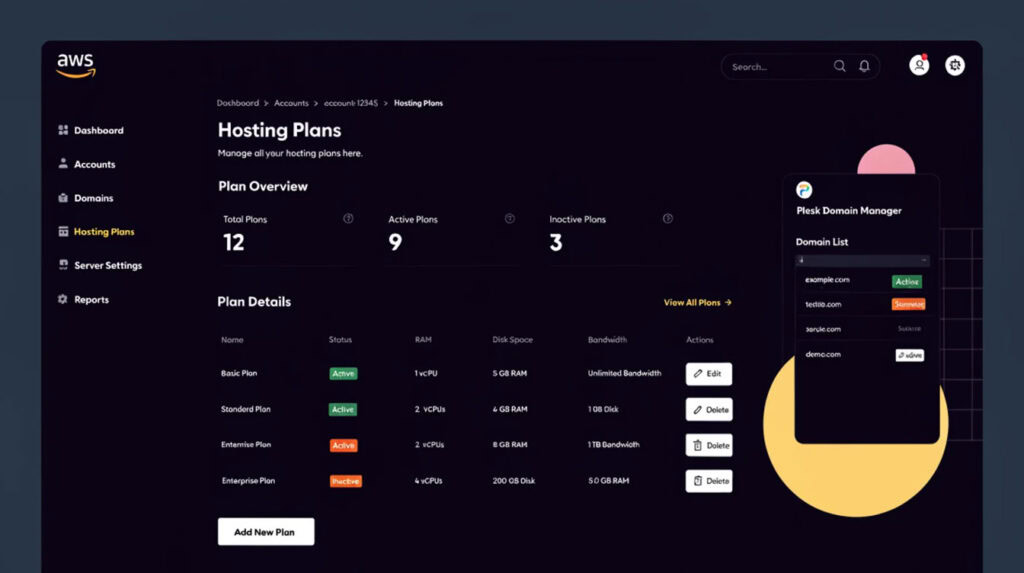
Your hosting environment and server stack are the foundation of any attempt to optimize your wordpress. No amount of plugin tuning will fix a server that’s underpowered, running outdated software, or sharing resources with hundreds of other sites.
| Hosting Type | Best For | Key Limitation |
|---|---|---|
| Shared hosting | Small blogs, low-traffic brochure sites | Limited CPU, noisy neighbors, no dedicated RAM |
| Virtual private server | Growing businesses, WooCommerce stores | Requires some server management |
| LeadCroc Dedicated Hosting | High traffic sites, membership platforms, large stores | Reasonable cost, LeadCroc Managed |
By 2026, busy WooCommerce or membership sites almost always require a virtual private server or dedicated server to maintain acceptable page speed load times under concurrent traffic.
High-performance hosting is essential for website speed. Upgrading from PHP 7.4 to PHP 8.2 or 8.3 delivers a 20–40% improvement in request throughput on WordPress with no code changes. Make sure your hosting plan includes OPcache enabled, HTTP/2 or HTTP/3 support, and the latest stable PHP version.
A CDN distributes static files across global servers, serving images, css files, font files, and javascript files from edge locations closest to your visitors. Pair your hosting with a CDN for global traffic distribution and faster load speed across every geography.
LeadCroc audits your current hosting, PHP version, and CDN setup, then recommends concrete upgrades rather than selling a one-size-fits-all package.
Heavy themes and complex page builders like Elementor and Kadence can slow web pages dramatically by injecting extra CSS and JS bundles that most visitors never need. Sites using drag-and-drop builders regularly fail on INP (Interaction to Next Paint) because of oversized JavaScript payloads.
Using lightweight themes boosts site speed. Avoid multipurpose themes loaded with sliders, animations, and unused layouts. If you’re not using a feature, it’s still loading. Switch from your current bloated default theme to a performance-focused theme like GeneratePress, Astra, or Developer-oriented block themes.
Optimizing site structure improves navigation and SEO. Simplify your homepage and landing pages-remove carousels, auto-playing videos, and widget-heavy sidebars you inherited from a theme demo import.
Consider converting key templates-homepage, product pages, landing pages-to native Gutenberg blocks or custom theme templates. Page builders are convenient for content editors, but the performance cost on critical pages is real. Keep page builders for less critical, internal-facing, or infrequently visited pages.
LeadCroc keeps designs pixel-perfect to your brand or AI mockup but implements layouts using minimal, clean front-end code. The result: your website content looks exactly as designed but loads without the bloat.
Caching stores pre-generated HTML so WordPress, PHP, and MySQL don’t have to process every single page request from scratch. Using caching creates static versions of your web pages, and cached pages are served before WordPress is even loaded. This is the closest thing to a turbo boost for your wp site.
Caching can save server resources by reducing PHP and MySQL usage-especially on high traffic sites where thousands of requests hit the server per minute.
Caching can reduce page load times significantly and caching can improve SEO by enhancing site speed. Fast-loading sites rank higher in search engine results, so this directly affects your seo rankings.
Exclude cart, checkout, account, and preview pages from cache for eCommerce stores. Use separate mobile cache if your wordpress theme renders differently on mobile devices.
LeadCroc configures caching to work alongside CDNs like CloudFront, tuning cache lifespan and preload settings for each site’s content update pattern. We adjust advanced settings based on whether you publish daily or monthly.
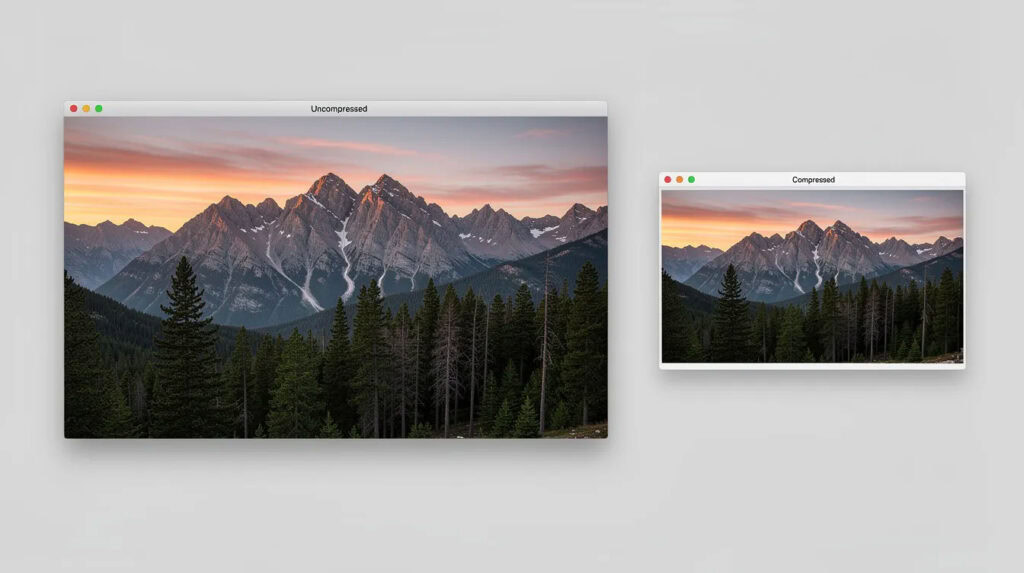
Images are often the heaviest assets on a typical wordpress site. The average WordPress page ships around 2.5 MB in images alone, but your target for above-the-fold content should be closer to 200 KB. Image optimization and lazy loading together can cut initial load time dramatically.
You can compress images using lossy or lossless methods. For hero images, target a maximum width of 1200px and quality between 70–80%. Automatic image compression can be enabled for new uploads through plugins like ShortPixel or the ewww image optimizer, so every uploaded image is optimized on arrival. For existing libraries, bulk optimize all images at once-bulk compression can reduce the size of all existing images without manual effort.
Using next-gen image formats like WebP offers better compression than traditional JPEG or PNG. WebP can achieve up to 34% smaller file sizes than JPEG at equivalent visual quality. AVIF pushes that even further-20–30% smaller than WebP for photographic content. WordPress 6.5+ supports native AVIF uploads.
Don’t forget: image alt text improves SEO and accessibility. Every image in your media library should have descriptive, keyword-relevant alt text.
Lazy loading improves page speed by loading images as needed-only when users scroll them into view. This directly improves Largest Contentful Paint and perceived performance, especially on long pages with dozens of images.
Over time, themes and plugins generate unused image sizes that pile up. Delete unused images to save disk space on your website and reduce backup sizes. Regularly audit your media library for orphaned files and unused image sizes that no longer match your current wordpress theme.
LeadCroc sets up automatic image optimization pipelines using seamless integration between your uploads, compression tools, and CDN so every new image is served in the right size and format without manual intervention.
Large or render-blocking css and javascript files delay first paint and interaction, directly hurting Core Web Vitals. If your site loads 15+ separate stylesheets and scripts, your visitors are waiting while the browser downloads and parses each one.
Minification removes unnecessary characters from code-whitespace, comments, line breaks-without changing functionality. Minification reduces file sizes by up to 90% in extreme cases and typically delivers 30–60% savings on real-world files. Minification can combine multiple files into fewer files, reducing HTTP request count. Minification improves page speed by eliminating render-blocking resources. Minification can be customized for HTML, CSS, and JavaScript independently, giving you granular control over javascript options and stylesheet handling.
Some javascript files from third-party plugins or payment gateways will break if minified or deferred. Exclude problematic files from minification and test every change on a staging environment. You can configure exclusions through your htaccess file or through the plugin’s advanced settings panel.
LeadCroc manually audits all assets to identify key requests-critical fonts, above-the-fold CSS, essential scripts-and preloads them for the fastest possible render. We never apply blanket minification without testing.
Your wordpress database accumulates clutter over time: post revisions, auto-drafts, trashed posts, spam comments, expired transients, and orphaned metadata. Excess data in the database can slow down WordPress sites, especially on WooCommerce stores where wp_postmeta and wp_options tables grow rapidly.
| Target | Why It Matters |
|---|---|
| Old post revisions | WordPress stores every save; 50 revisions per post adds up fast |
| Auto-drafts and trashed posts | Unnecessary data taking up rows in database tables |
| Spam comments and trashed comments | Inflate comment tables and slow queries |
| Expired transients | Cached API responses that outlived their usefulness |
| Table overhead | Fragmented tables slow down SELECT queries |
Database optimization can significantly improve site performance. Regular database maintenance is essential for optimal performance-schedule it weekly or monthly depending on your publishing frequency.
WP-Optimize cleans up post revisions and spam comments efficiently. WP-Optimize allows scheduling of database clean-ups so you don’t have to remember to run them manually. For deeper work, tools like advanced database cleaner offer flexible clean up schedules and table optimization capabilities, including the ability to target specific database tables and remove unnecessary data that default tools miss.
You can also fine-tune settings in wp config to limit stored revisions (e.g., define(‘WP_POST_REVISIONS’, 5);) to prevent future bloat.
Always back up your wordpress database before running any cleanup or repair operation. LeadCroc performs database optimization and, when necessary, works directly in phpMyAdmin, WP-CLI, or SSH for precise, low-risk tuning on client sites.
Optimizing your wordpress website also means keeping it secure. Malware, brute-force bots, and exploited vulnerabilities consume server resources and degrade performance for legitimate visitors. In 2025 alone, 11,334 new security vulnerabilities were disclosed in the WordPress ecosystem-a 42% increase over the prior year. Over 90% of those were in plugins and themes, not WordPress core.
Firewalls and security plugins should be configured carefully. Poorly tuned security tools that run frequent full-site scans can spike CPU and hurt resource usage on limited hosting. Server-level protections (WAF, network filtering) are more efficient than plugin-based alternatives.
LeadCroc balances security and speed by combining server-level protections with lightweight WordPress hardening and regular audits-never sacrificing page speed for a false sense of security.
Performance optimization is ongoing. Your website content changes, plugins update, traffic patterns shift, and new browser standards emerge. A wp site that scored 95 in January can drop to 70 by July if no one is watching.
Set up uptime and performance monitoring to receive alerts when response times spike. Tools like UptimeRobot or Pingdom can notify you before visitors start bouncing.
SEO plugins help manage meta titles, descriptions, and site mapping. Using structured data like Schema markup enhances visibility in search results. These tools complement speed work to improve performance in search engines holistically.
LeadCroc offers ongoing optimization and maintenance plans that include monitoring, scheduled database optimization, and regular code reviews to keep your website’s performance at its peak.
LeadCroc focuses on making WordPress sites both fast and secure for businesses with real performance demands. We work with most wordpress sites-from small business brochure pages to WooCommerce stores processing thousands of orders-and deliver measurable improvements, not vague promises.
We do not use AI to build WordPress sites. We handcraft themes and templates with clean, semantic code. If you have an AI-generated mockup or Figma design, we can match it exactly-pixel for pixel-while ensuring it loads fast and scales under traffic. Optimized sites improve user experience and engagement, and that’s what we deliver.
We test every change on staging, measure before-and-after metrics, and adjust advanced settings based on live traffic. Whether you need a free version assessment or premium support with ongoing maintenance, we tailor plans to fit.
Most wordpress websites leave 30–50% of their speed potential on the table. Contact LeadCroc with your current speed scores and goals, and we’ll propose a tailored optimization plan to make your site faster and more secure.
On a typical 4G or broadband connection, your key pages should load in under 2–3 seconds, with Largest Contentful Paint ideally below 2.5 seconds at the 75th percentile. For mobile devices on slower connections, optimizing images, reducing JavaScript, and enabling caching becomes even more critical. Remember: speed load times directly impact both conversions and search engine optimization rankings.
Yes, but it takes more work. You can disable unused widgets, reduce animations, and minify builder-generated CSS and JS. For the biggest impact, convert your most important templates-homepage, product pages, landing pages-to leaner block-based or custom layouts. Keep page builders for less critical content where the performance tradeoff is acceptable.
A caching plugin paired with gzip compression can make a significant difference, but it won’t fix bloated images, heavy scripts, or a slow wordpress database. Combine caching with image optimization, database cleanup, plugin audits, and a solid hosting plan for sustained, measurable gains in page speed and load time.
Not necessarily. Many small and medium sites run well on a quality virtual private server or managed WordPress hosting plan with proper optimization in place. A dedicated server becomes valuable for high traffic sites-large eCommerce stores, membership platforms, and web apps with heavy concurrent usage that demand guaranteed server resources.
Absolutely. LeadCroc can replicate AI-generated mockups or designs from tools like Midjourney and Figma with hand-coded, performant WordPress themes. While we don’t use AI to build sites, we use your designs as the blueprint and translate them into clean, optimized code. The result is a lightweight theme that looks exactly like your vision but loads quickly and ranks well in search engines.